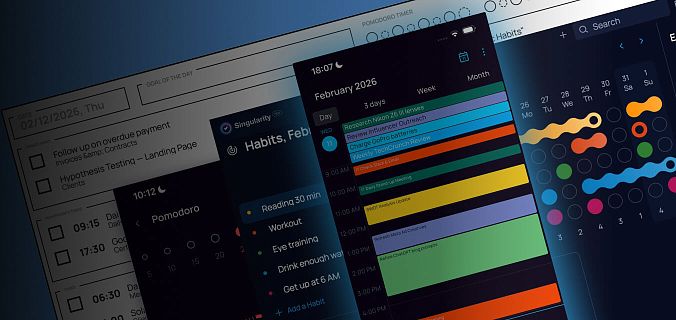
A hands-on guide for anyone still getting to know SingularityApp: how the interface works, what features are available, and how to use the app for task management, project planning, and beyond.
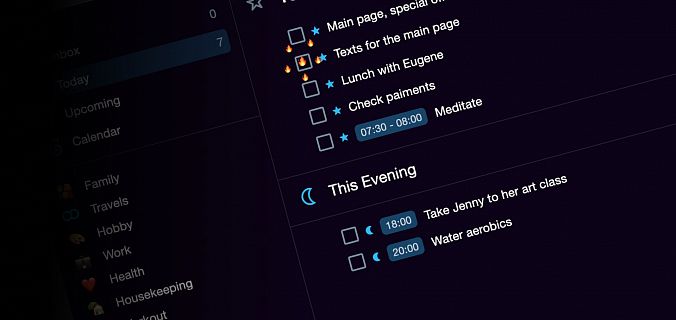
It is a kind of magic: create, edit, check, or delete tasks either in the calendar or in the application — everything will be displayed in both of them.
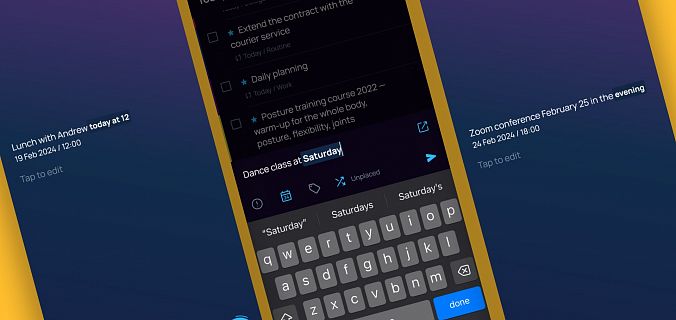
A doctor’s appointment for Friday lunchtime, a meeting with friends on Saturday night, a school play at 10 a.m., boss’s birthday on March 1 — now any task is added to the proper day, time and month almost instantly.
«What if the app started praising you for completing tasks?» — we thought and added animated reactions to Singularity. Here’s how they work and what dolphins have to do with it.
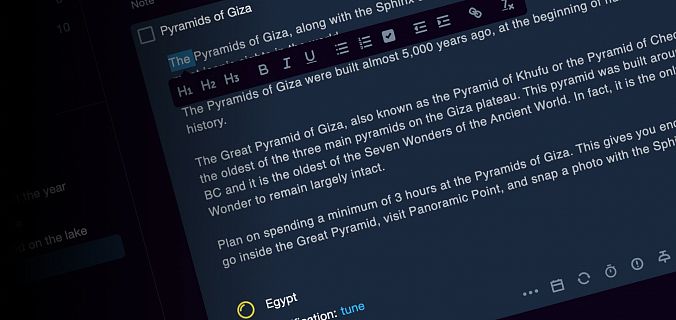
Introducing WYSIWYG visual editor. You can now organize your whole life inside Singularity: store useful links, checklists, templates and keep detailed notes.
Fall Novelties: Interface Improvements for PC Versions
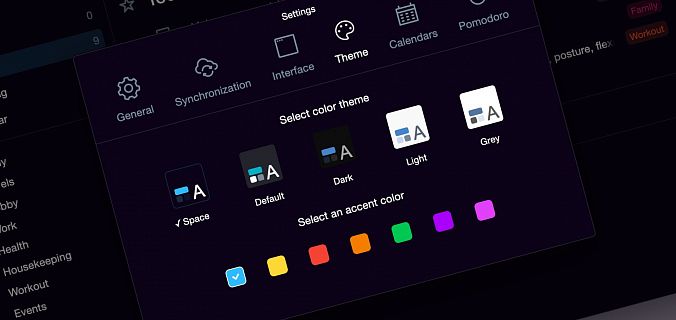
This fall, Pro-users can try out a couple of updates that make the app more beautiful and convenient, letting you to customize Singularity the way you like it.